⏱️ Rollouts
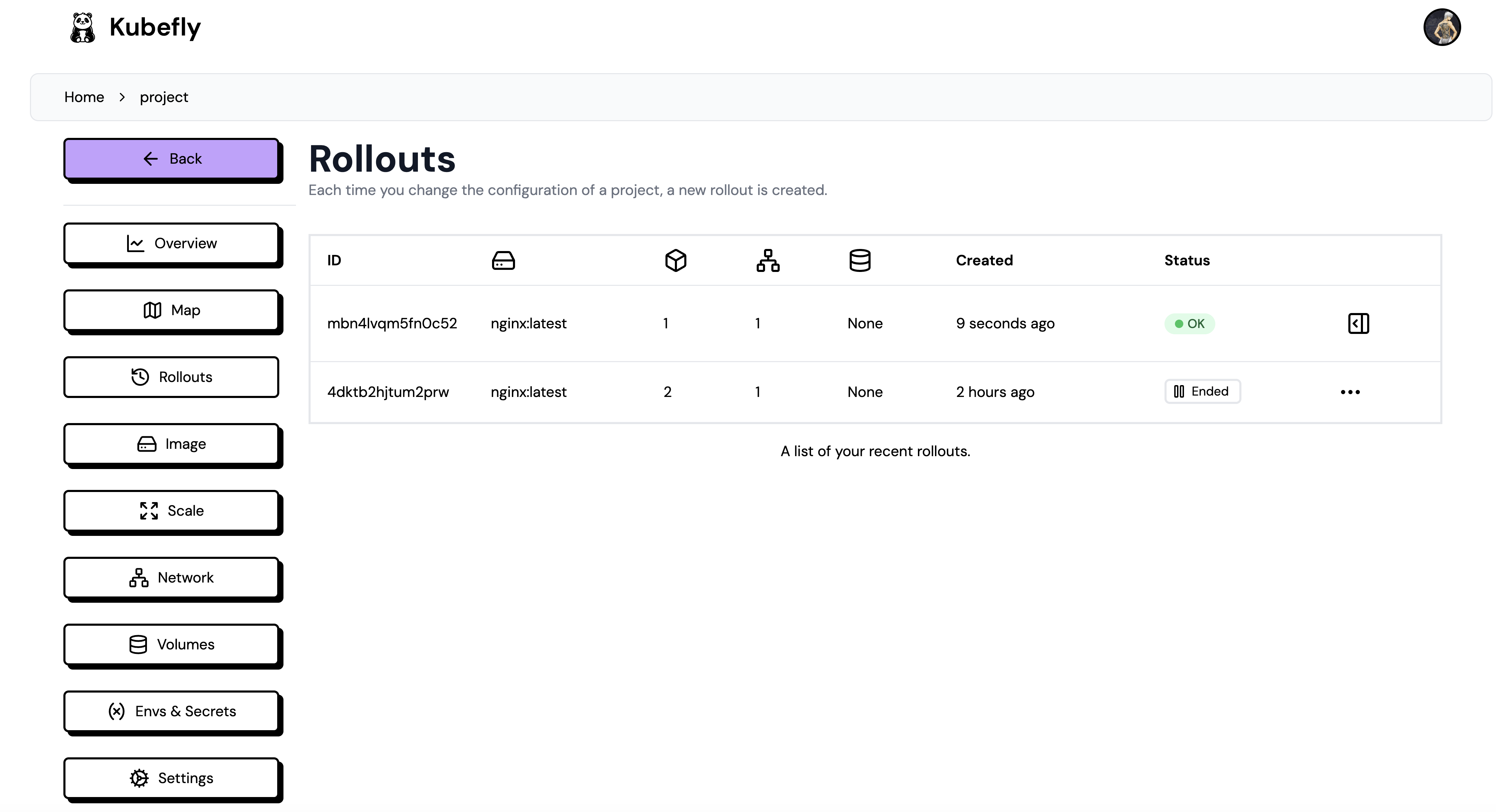
Each time you edit and change something in a deployment, a new rollout is created. This is like a snapshot of your crd.md configuration. This gives you the power to undo any changes made to your deployment configuration, such as changing the port of an interface or updating your image tag. You can see every rollout in the rollouts table. Through the frontend, you can't delete a rollout, only hide it. This is to gather statistics about your rollouts. If you need to completely delete a rollout, you must go to the NextBaaS backend and delete the record in the "rollouts" collection.
Rollback Diff
When selecting a previous rollout, you can click on "rollback," and a diff will appear, showing the differences in the CRD files and exactly what will change:

Hidden Rollouts (In Progress)
You can hide rollouts to keep the table organized. You can also delete a rollout from the table, but this will affect your stats page on the overview page.
When you have hidden rollouts, you can show them by toggling the "Show hidden" slider: