📃 Blueprint (Predefined Templates)
Manage your services with a single JSON file.
Overview
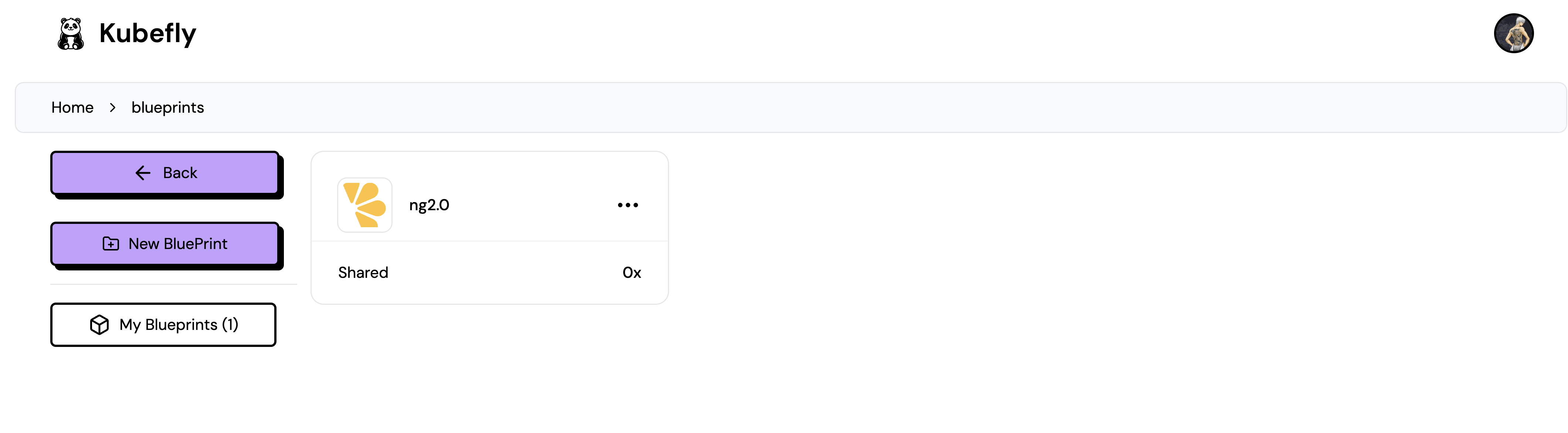
After logging into your Kubefly account, you will see the Blueprint button. Clicking this button will navigate you to the Blueprint overview page.
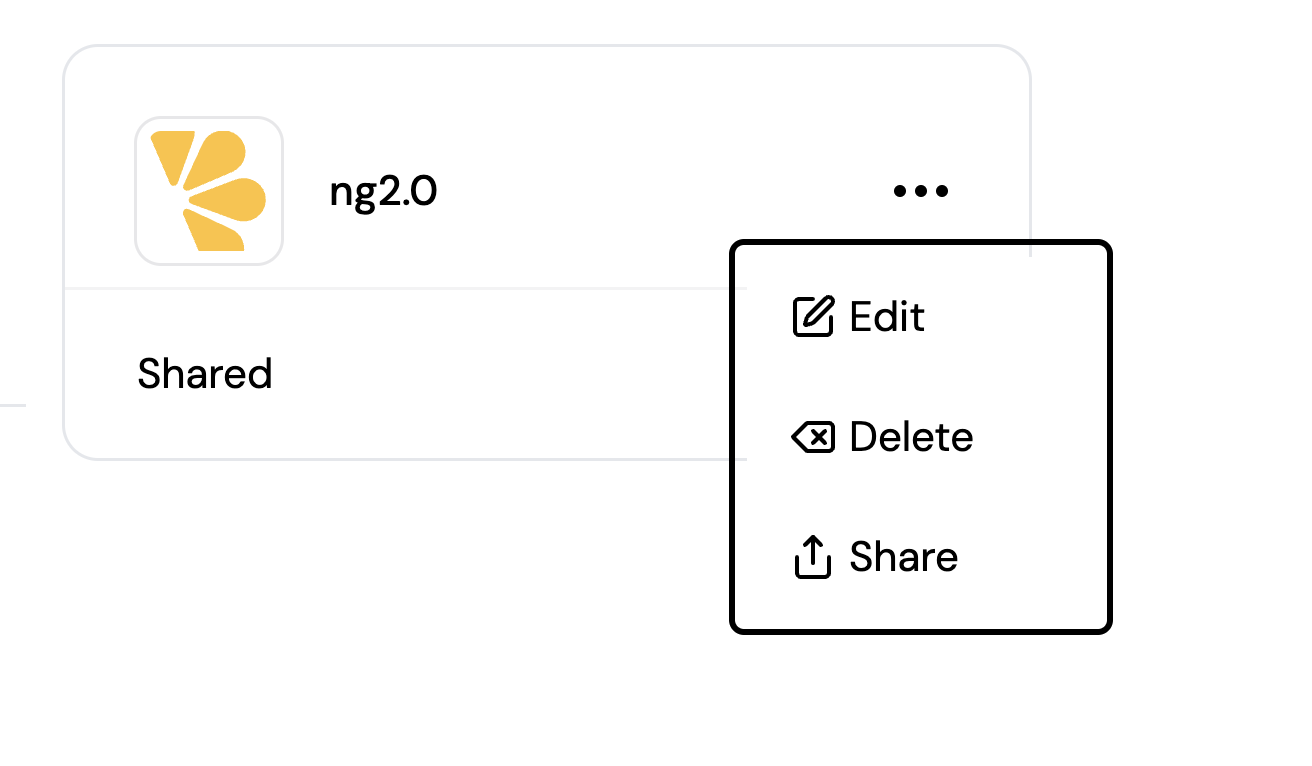
Clicking the three dots on a Blueprint allows you to "Edit" or "Delete" the selected Blueprint.
Sharing a Blueprint (In Progress)
By clicking "Share" in the action menu of a specific Blueprint, you will receive a custom link that you can share with others.
Creating/Editing a Blueprint
You can easily create a new Blueprint by clicking the "New Blueprint" button.
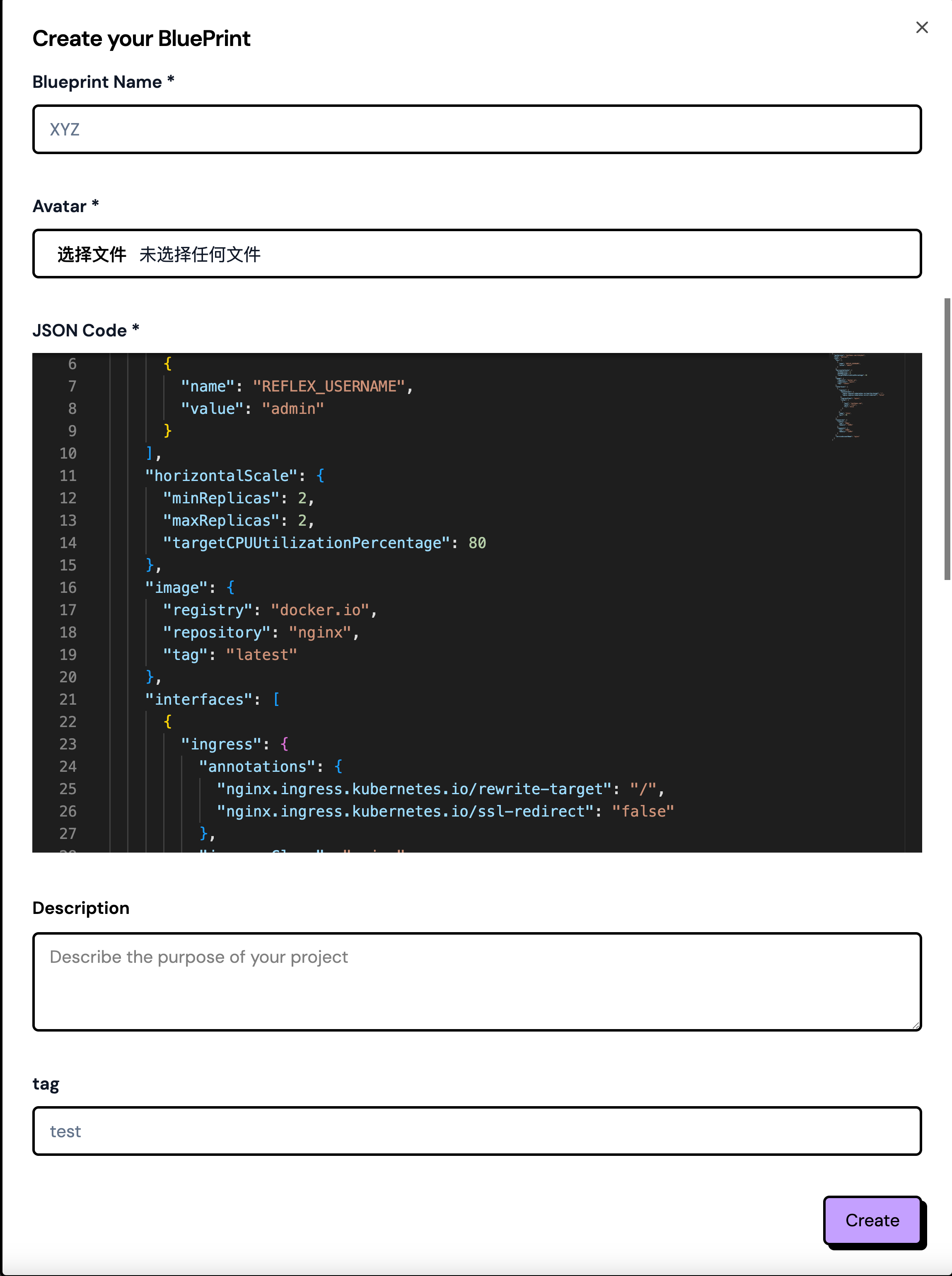
Only the owner of a Blueprint can edit it again.
ON THIS PAGE